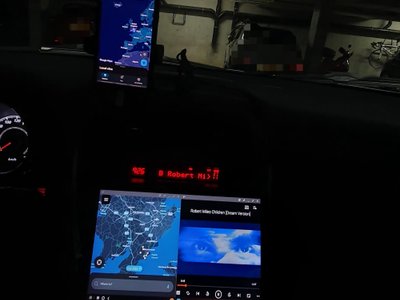
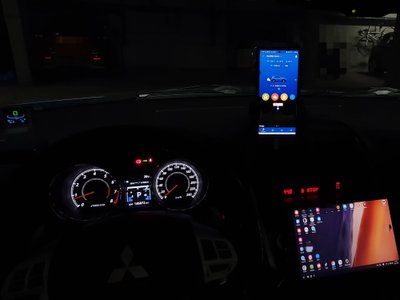
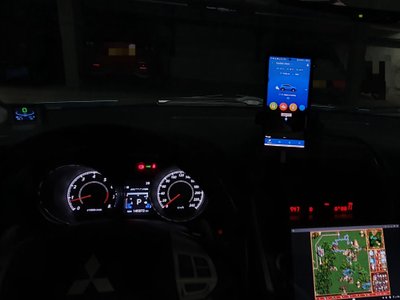
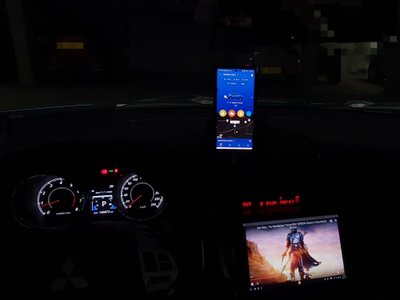
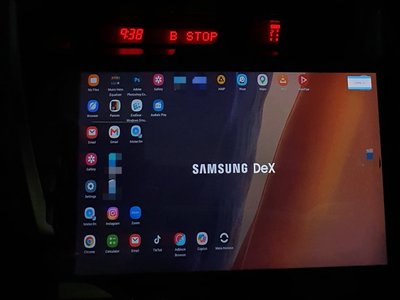
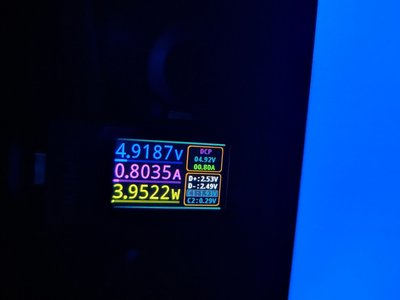
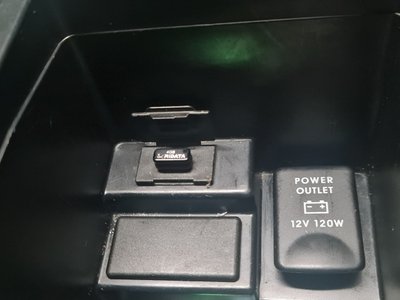
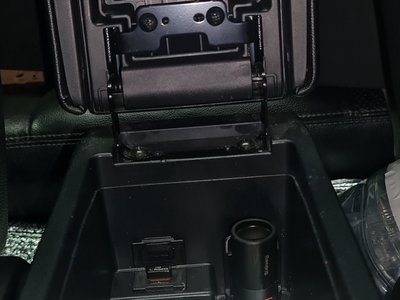
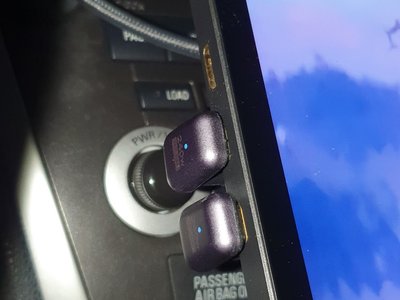
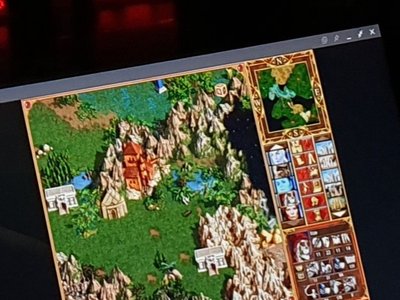
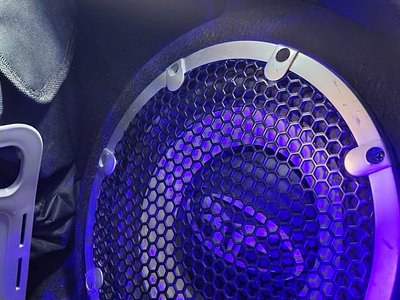
🔧📺 Upgraded Media Setup While Keeping the Original Rockford System Long story short - I wanted more functionality from the media system, but I genuinely love the original Rockford 6‑disc CD/MP3 changer. It works perfectly with the factory 5.1 audio system, subwoofer, and even the voice control module. 🗣 Rare factory voice control highlight: You can switch tracks from CD or USB by genre - just ask for “Rock”, “Jazz”, etc., depending on your mood. Even modern assistants like Siri or Gemini don’t handle local media this well. Plus, hands‑free calling and phonebook integration work flawlessly. So instead of replacing the head unit with a limited Android/CarPlay media sys, I added a Type‑C portable monitor with sensor support👈 for direct phone connection (Android DeX🤖, iOS mirror🪞). This gives far more freedom- essentially a second screen with no app restrictions, while keeping the phone charged. ⚡ What We Need for This Setup: • 🔌Powerful outlet (luckily this model has one 12V 120W under the armrest) • ➰️1 high‑quality USB‑C charging cable➰️ • ➰️1 full‑featured USB‑C cable for video + power (USB 3.2 / USB4 / Thunderbolt) • 📺 Portable Type‑C monitor with two USB‑C ports and with sensor support👈: •• USB‑C Power Input •• USB‑C Upstream Port with Power Delivery (PD) - sends power to the phone ⚡ and receives video 📺📱 How It Works: • Phone connects to the car’s Bluetooth automatically after ACC • Plug phone into the monitor’s USB‑C Upstream PD port • ✨ Instant DeX or screen mirroring, while charging at the same time. You keep full steering‑wheel multimedia control, see phone info on the Rockford stereo, and also control 🎮everything from the monitor’s touchscreen👈. 🎉 Full Functionality (especially on Android🤖): • Run two apps at once (Maps/Waze + music player) • Split‑screen, pop‑up view, multitasking • Launch Windows apps via emulators - Heroes of Might and Magic 3.5, Disciples II, etc. Perfect for parking‑lot entertainment while waiting for your wife 🙂